Mastering Digital Forensics with FTK Imager
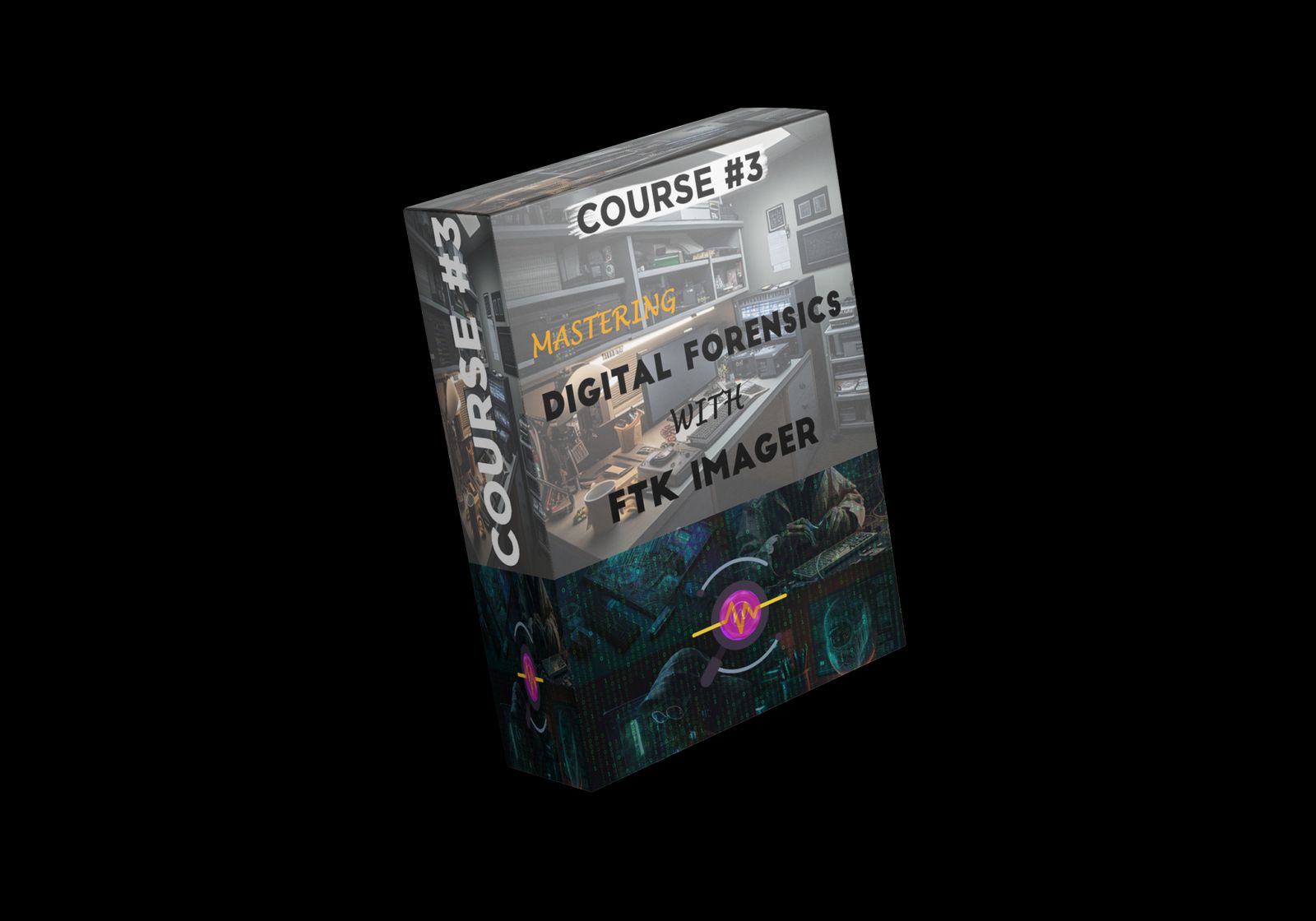
Price: ₹349.00
Sign Up to Buy💡 Course Description
Ready to dive deep into digital forensics? This course, Mastering Digital Forensics with FTK Imager, will equip you with the essential features and workflows needed to become proficient in using FTK Imager for digital evidence collection and analysis.
FTK Imager is one of the most widely used tools in digital forensics, helping professionals in law enforcement, information security, and IT capture and analyze crucial digital evidence.
In this course, you will:
Get a solid introduction to FTK Imager and its features
Learn how to install it on your system or USB drive
Navigate the user interface like a pro
Capture volatile data, RAM, and the Windows Registry
Create forensic images to preserve evidence
Use FTK Imager’s triage process to quickly examine and identify important data
Learn advanced concepts like Master File Table (MFT) analysis
Understand how FTK Imager is used in real-world forensics cases
By the end of this course, you'll have the confidence to use FTK Imager for forensic analysis in any investigation scenario.
🎓 What You’ll Learn in the Mastering Digital Forensics with FTK Imager Course
🖥️ Digital Forensics Introduction
🔹 Overview of digital forensics and its critical role in modern investigations.
🔍 FTK Imager Overview
🔹 Introduction to FTK Imager, its features, and why it's essential in digital forensics.
💻 Install and Set Up FTK Imager
🔹 Learn how to install FTK Imager on a computer or USB drive for portability.
🖱️ Navigate FTK Imager Interface
🔹 Get comfortable using FTK Imager’s user-friendly interface.
💾 Capture Volatile & Protected Data
🔹 How to use FTK Imager to capture volatile data from live systems and protected areas.
🧠 Capture RAM from a Live Machine
🔹 Capture volatile RAM data using FTK Imager for deeper analysis.
📜 Capture the Windows Registry
🔹 Learn how to extract and analyze the Windows Registry for valuable evidence.
🏞️ Create Forensic Images
🔹 Master the process of creating forensic images to preserve and protect digital evidence.
🔧 Create Custom Content Images
🔹 Learn to create specialized forensic images using FTK Imager.
🔍 Examine Digital Evidence
🔹 Analyze collected digital evidence using FTK Imager's forensic tools.
⚖️ Perform Forensic Triage
🔹 Quickly identify and prioritize key data through FTK Imager’s triage process.
🗂️ Analyze Master File Table (MFT)
🔹 Dive into the analysis of the Master File Table (MFT) to uncover crucial file system details.
🌍 Real-World Applications
🔹 Understand the practical applications of FTK Imager in various real-world digital forensics scenarios.
📚 Additional Learnings & Benefits
🔹 Gain endless benefits and knowledge to apply in your digital forensics career.
📚 Course Content
9 Sections
26 Lectures
Total Course Length: 3 hours 48 minutes
✅ Requirements
A computer with at least 4GB of RAM and a 64-bit OS
A USB drive (minimum 8GB) if you plan to install FTK Imager on it
Basic knowledge of computer OS and digital forensics concepts
An open mind and willingness to learn and practice
💡 Course Description
Ready to dive deep into digital forensics? This course, Mastering Digital Forensics with FTK Imager, will equip you with the essential features and workflows needed to become proficient in using FTK Imager for digital evidence collection and analysis.
FTK Imager is one of the most widely used tools in digital forensics, helping professionals in law enforcement, information security, and IT capture and analyze crucial digital evidence.
In this course, you will:
Get a solid introduction to FTK Imager and its features
Learn how to install it on your system or USB drive
Navigate the user interface like a pro
Capture volatile data, RAM, and the Windows Registry
Create forensic images to preserve evidence
Use FTK Imager’s triage process to quickly examine and identify important data
Learn advanced concepts like Master File Table (MFT) analysis
Understand how FTK Imager is used in real-world forensics cases
By the end of this course, you'll have the confidence to use FTK Imager for forensic analysis in any investigation scenario.
🎯 Who This Course is For
👮♂️ Law Enforcement Professionals
💻 Digital Forensics Professionals
🔒 Information Security Experts
🖥️ IT Professionals
🎓 Students and Academics
🕵️♂️ Anyone curious about digital forensics!
📱 How to Access & Log In to Udemy
1️⃣ Go to Udemy
2️⃣ Click "Login" (top-right) if you have an account
3️⃣ If you're new, click "Sign Up" to create an account
📚 Access Your Course on the CSIB Store:
1️⃣ Click on "My Account" in the top menu
2️⃣ Browse your "My Courses" section
3️⃣ Access your course and start learning! 📖
🚀 Start mastering FTK Imager today and unlock the power to solve digital forensics challenges with confidence!